Announcements
Announcements provide you with a way to communicate information to all players in the network. An announcement is broadcasted across every server in the network.
Accessing Announcements
The Announcements tool can be accessed through:
Announcements can either be One Time or Scheduled.
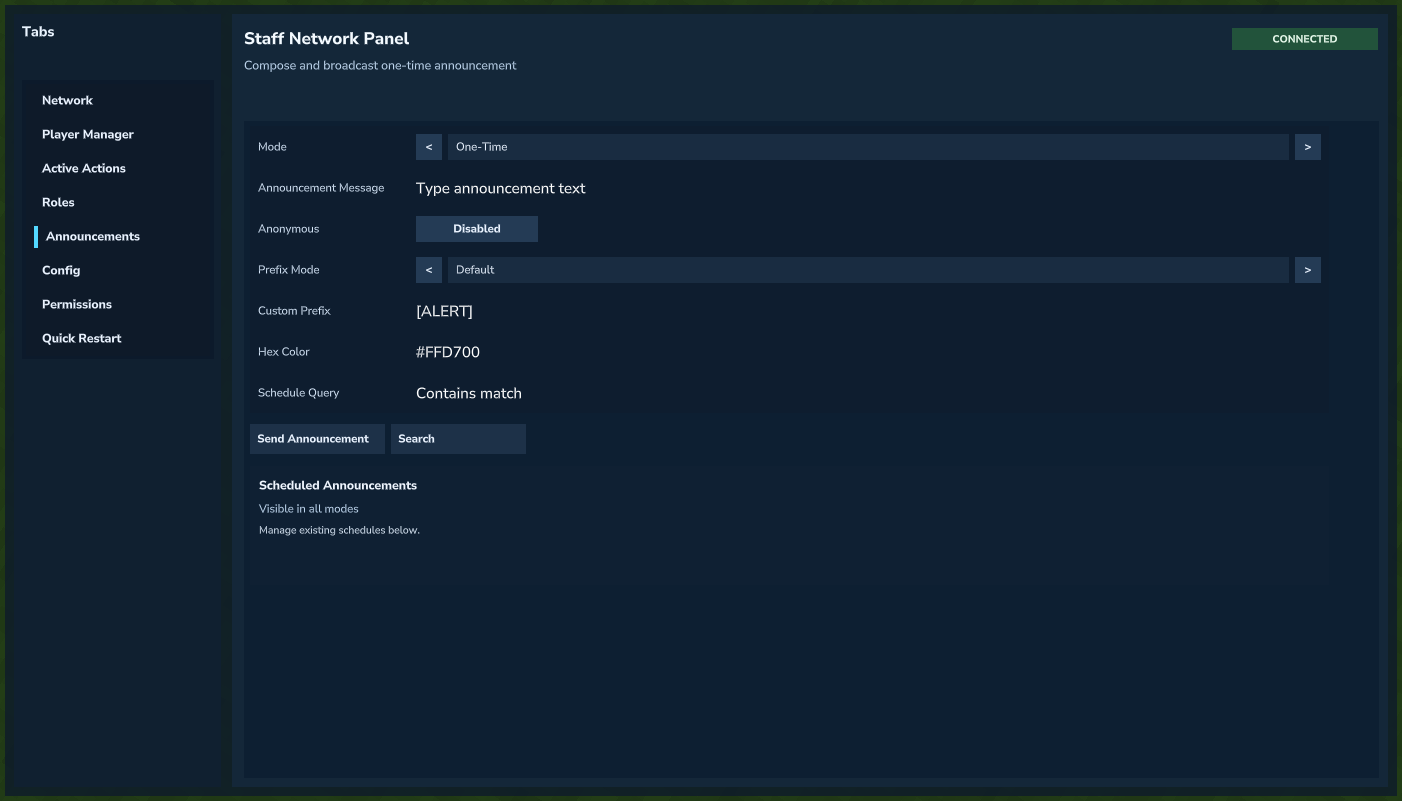 One-time announcement composer.
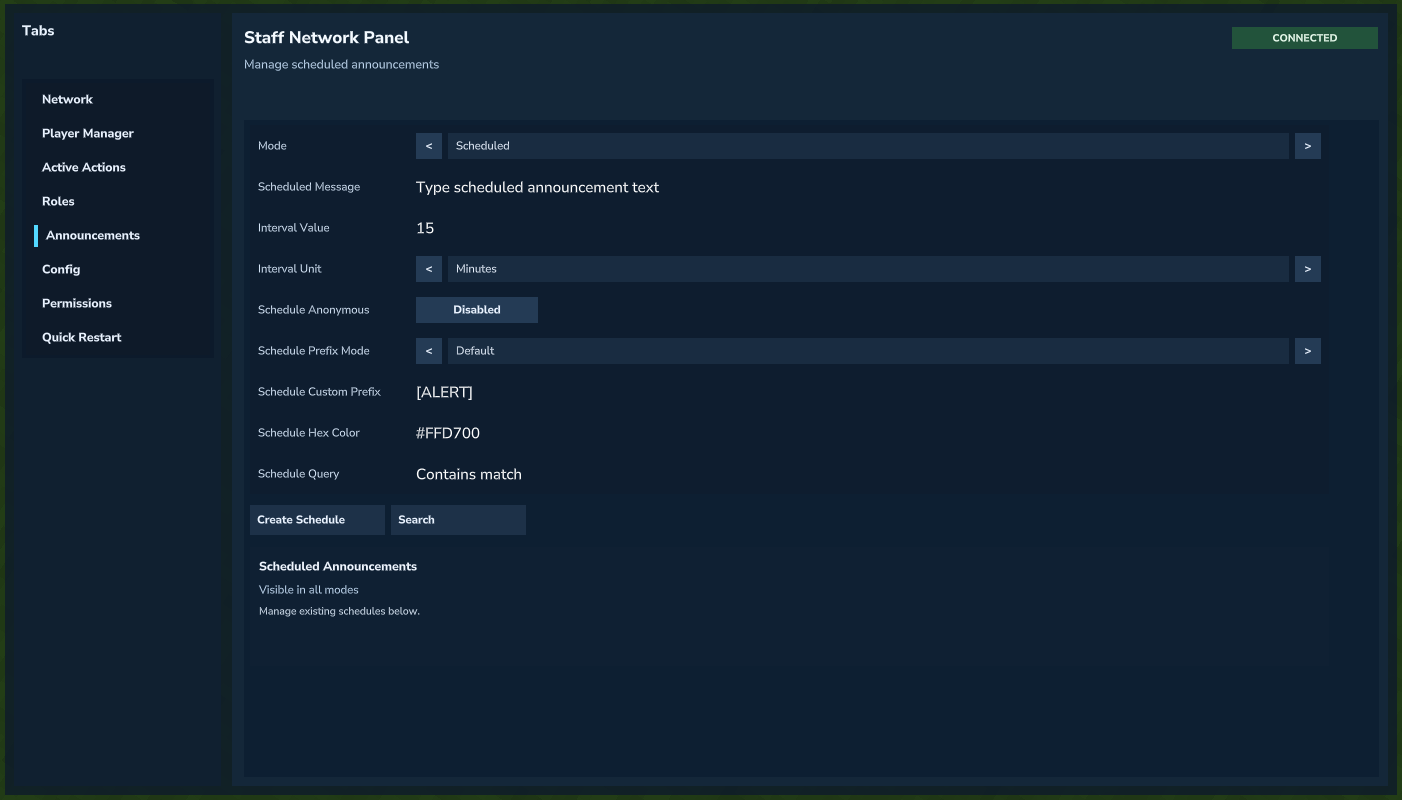 Scheduled announcements manager.
Announcement Commands
/netannounce <message>- Broadcast a one-time announcement network-wide.
/netannounce <message> --anon- Broadcast without showing the sender.
/netannounce <message> --prefix=default|custom|none- Choose default prefix behavior, a custom prefix, or no prefix.
/netannounce <message> --custom-prefix=<Prefix>- Set a custom prefix (used with
--prefix=custom).
- Set a custom prefix (used with
/netannounce <message> --color=#RRGGBB- Set an announcement text color.
Scheduled Announcement Commands
/netannounce schedule add <value> <unit> <message>- Create a scheduled announcement.
/netannounce schedule list- List all scheduled announcements.
/netannounce schedule edit <id> <value> <unit> <message>- Edit an existing scheduled announcement.
/netannounce schedule remove <id>- Remove a scheduled announcement.
/netannounce schedule enable <id>- Enable a scheduled announcement.
/netannounce schedule disable <id>- Disable a scheduled announcement.
unit supports second/minute/hour/day/month formats (s, m, h, d, mo, and long-form variants).