Network Moderation
Network-wide moderation actions are supported through the BAN and MUTE actions.
Moderation Commands
You can issue network moderation actions directly with commands first.
player may be a username or UUID.
duration supports values like:
If no duration is provided, the action is permanent.
Example Commands
/netban PlayerOne
/netban PlayerOne 7d Cheating
/netban PlayerOne "Chargeback abuse"

/netmute PlayerOne
/netmute PlayerOne 30m Spam
/netmute PlayerOne "Chat harassment"
Note
If your reason contains multiple words, enclose it in quotation marks.
Taking Action From Player Manager
To access moderation tools, navigate to:
Enter the name of the player you wish to take an action against.
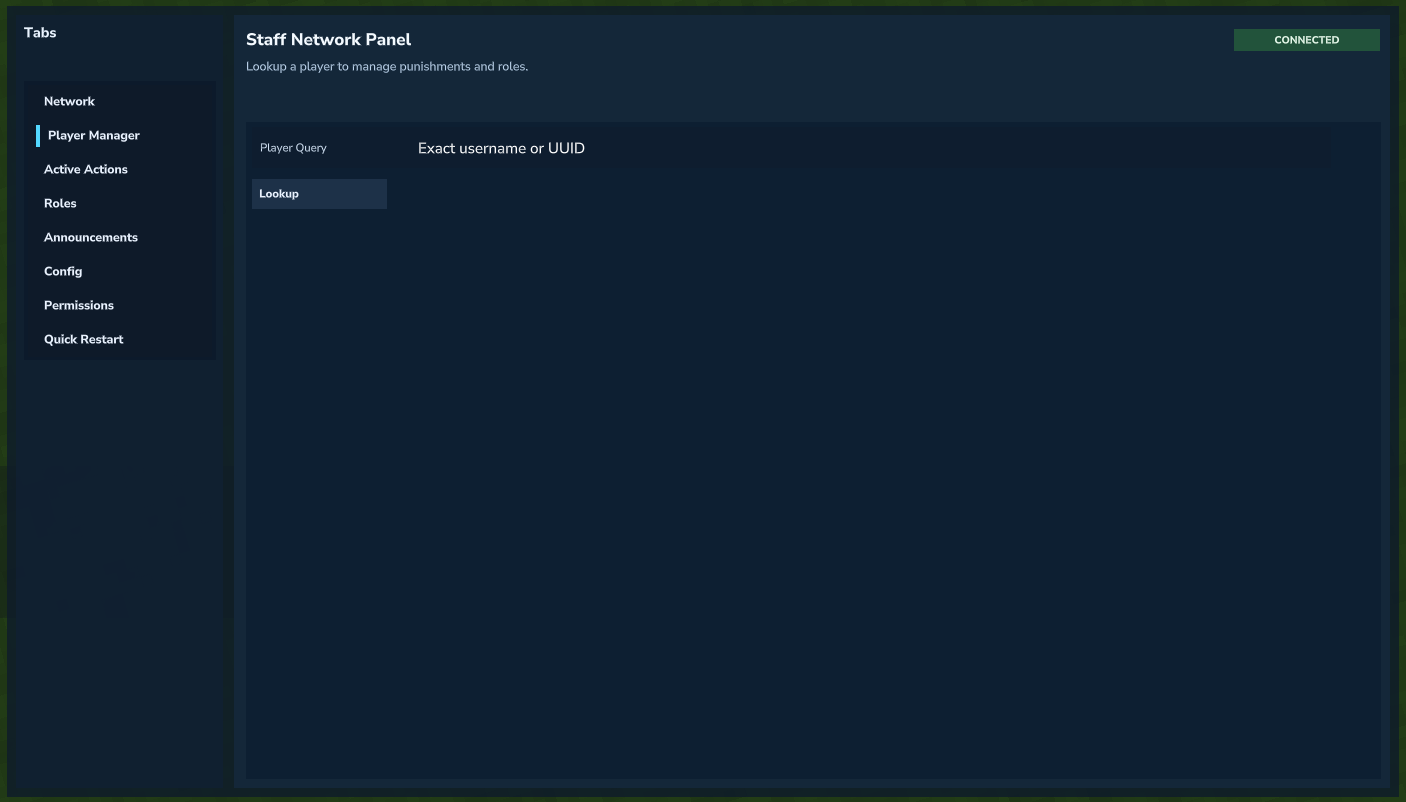 Looking up a player in Player Manager.
Swap Action Mode to the desired action, enter action information such as Duration and Reason, and hit Apply ... to apply the action.
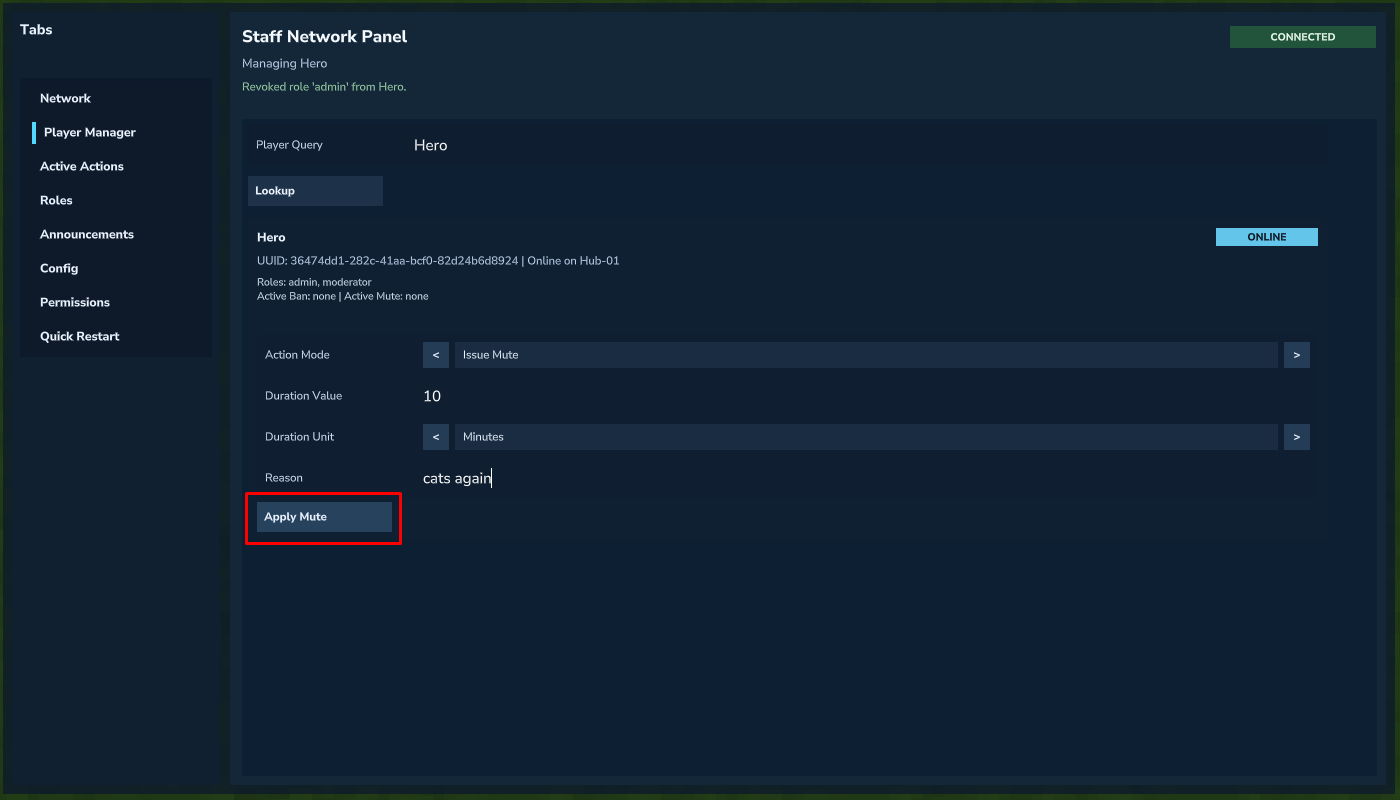 Applying a BAN or MUTE action from Player Manager.
Active Actions
All Active Actions can be viewed from:
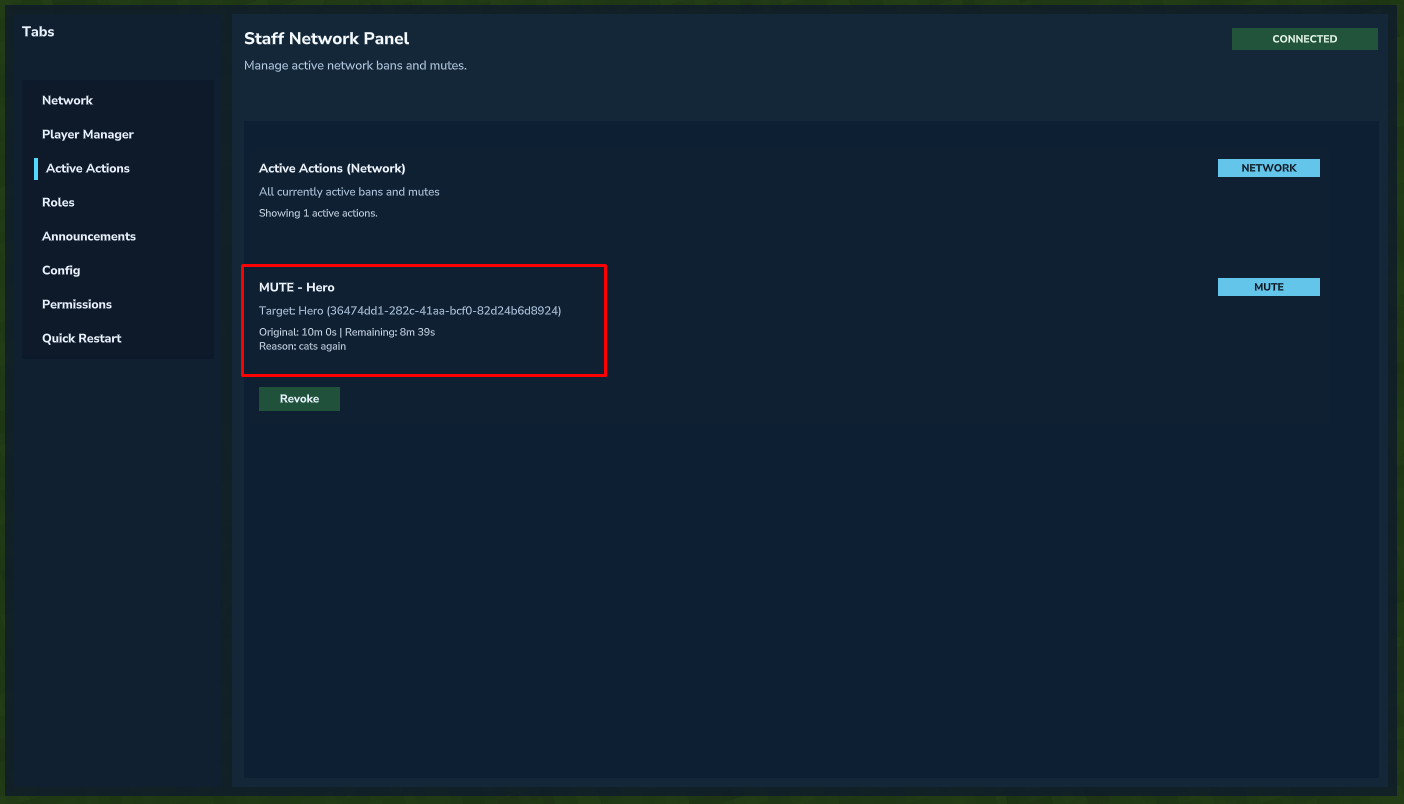 Viewing and managing active moderation actions.