Parties
The NetworkManager provides a native party system designed to allow players to queue for games together and speak privately in a dedicated party chat.
Accessing the Party Menu
To access the party menu, type:
If not already in a party, you will be presented with the option to create one.
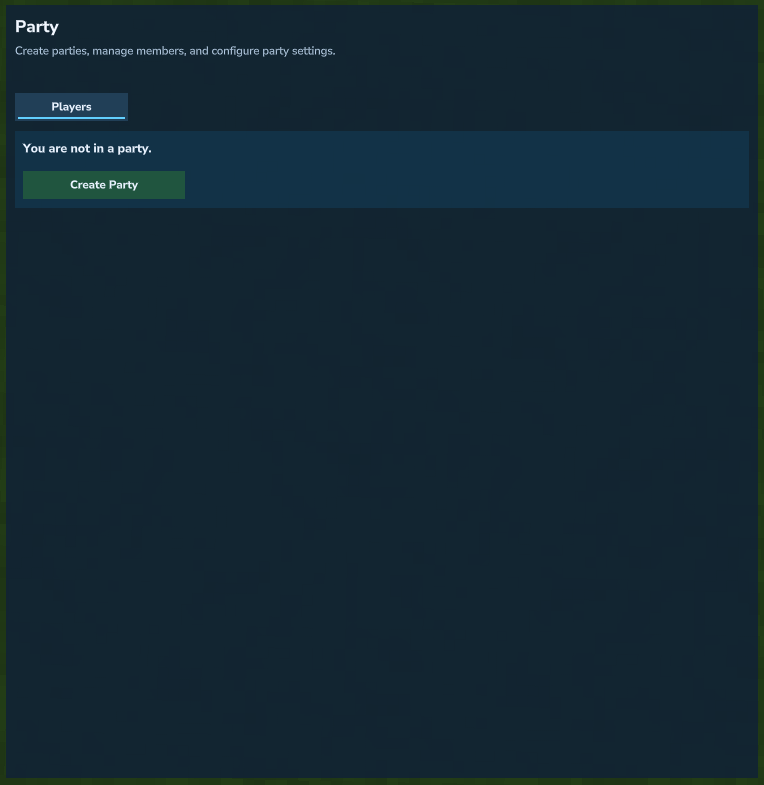 Party menu when not currently in a party.
Players Tab
The Players tab allows you to manage your party members, allowing you to invite new players through the invite tool, or kick and promote existing players in your party from the party player list.
Note
The invite tool can resolve any player within the network, regardless of whether they are in your current server or not.
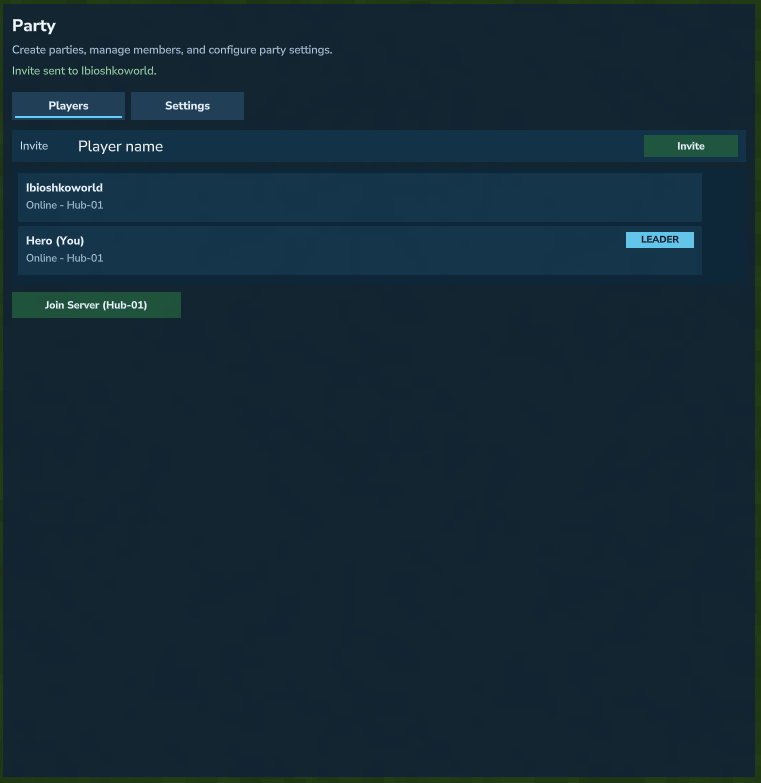 Players tab in the party menu.
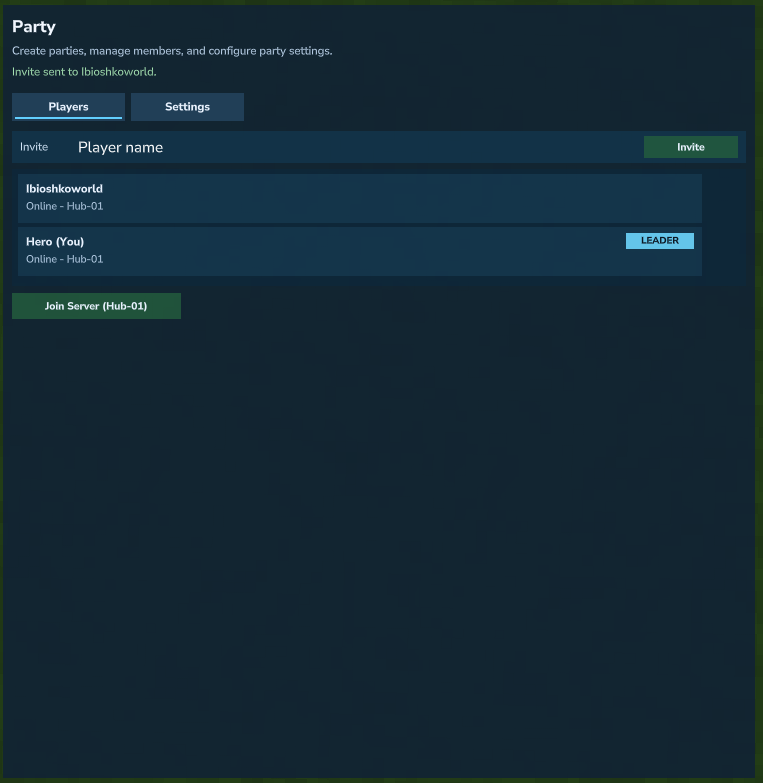 Player management options after selecting a party member.
Settings Tab
The Settings tab allows the party leader to choose whether the party queues together, and whether members other than the leader can invite other players.
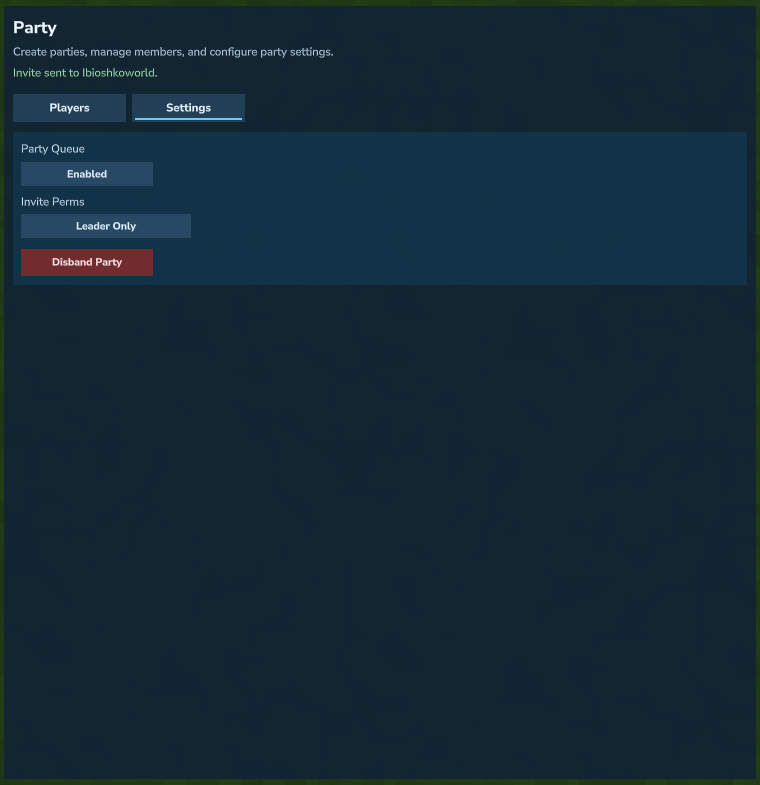 Party settings for queue behavior and invite permissions.
Party Commands
/party- Open the party menu./pc <message>- Party chat short alias (default)./party create- Create a party./party invite <player>- Invite a player./party accept- Accept your pending invite./party add <player>- Add an online player directly./party remove <player>- Remove a member./party kick <player>- Alias of/party remove./party promote <player>- Transfer party leader./party list- Show current members./party leave- Leave your party./party disband- Disband your party./party chat <message>- Send a party chat message.